Home and Inbox show what’s live for you now. What’s finished or old stays one search away.
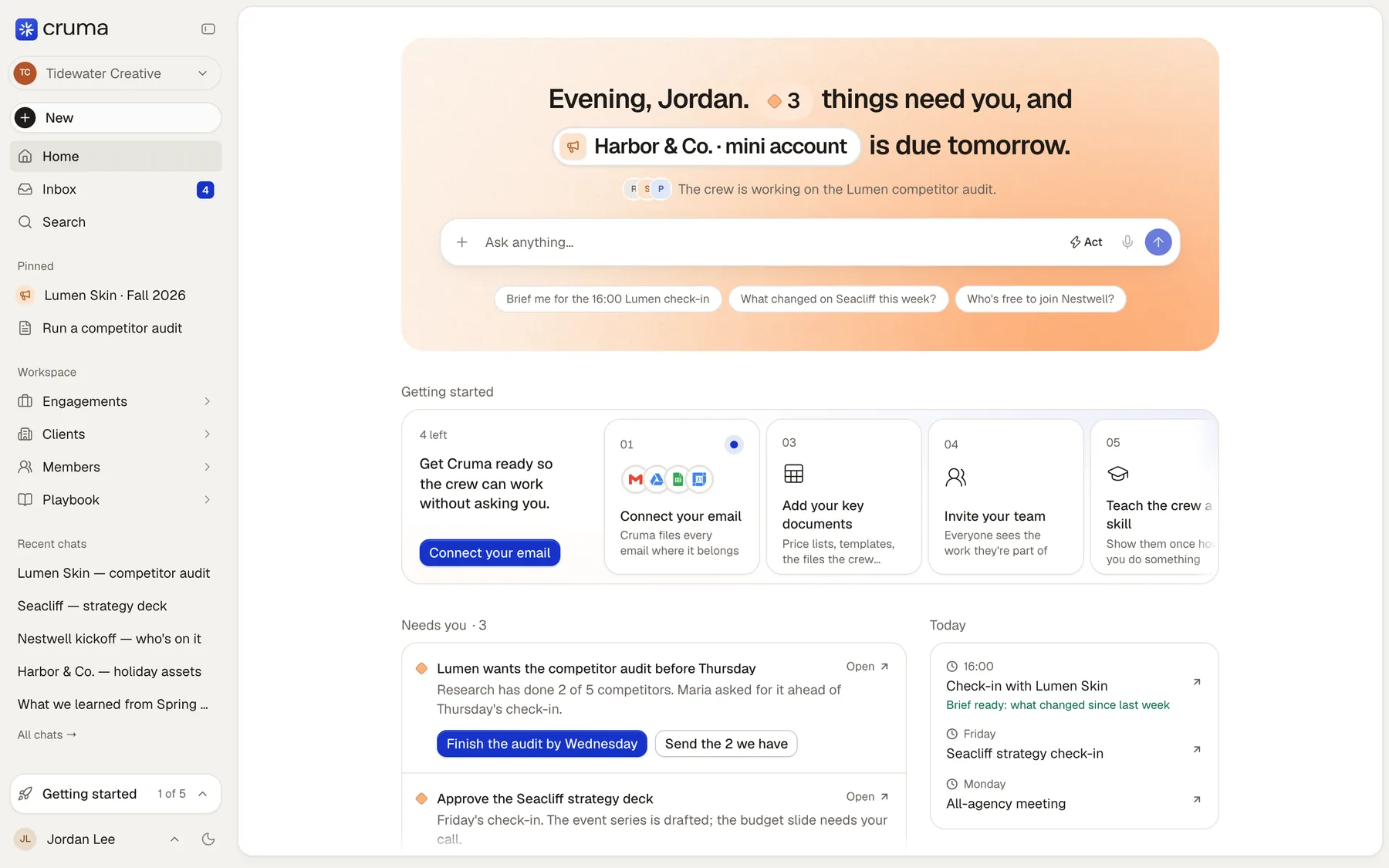
Home opens with a line about your day: “Evening, Jordan. 3 things need you, and Harbor & Co. · mini account is due tomorrow.” Under it, a line says what the crew is working on, then the box to ask anything, with a few suggestions to start from.
Below:
- Getting started walks a new workspace through setup. When it’s done, it becomes Quick actions.
- Needs you: decisions and questions waiting on you, each with its answers as buttons.
- Today: your meetings, with a brief ready before each.
- While you were away: what the crew finished since you last looked.

Needs you
Section titled “Needs you”Anything waiting on you shows as a card, with the diamond that means “this needs you”: a question from the crew, a draft to approve, a fact to keep, a page to check. Each card has its answers as buttons, so most take one tap.
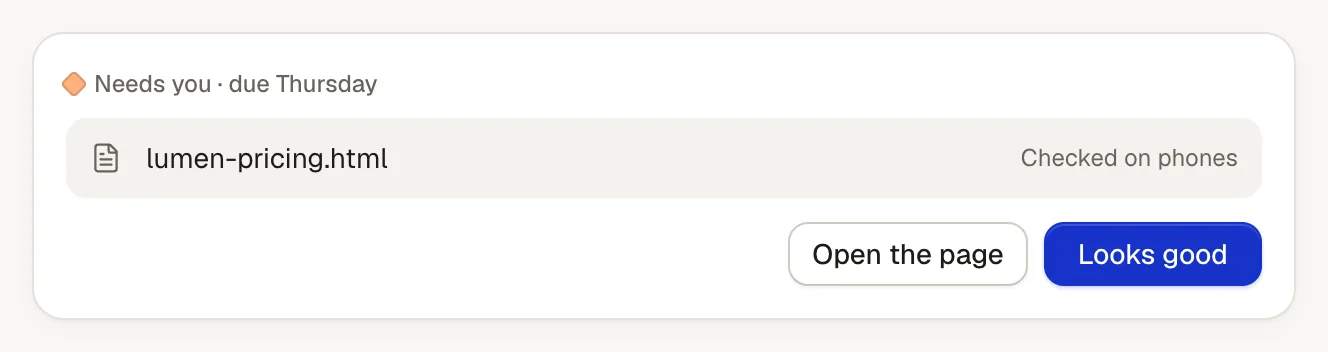
The number beside Home in the sidebar is how many things need you.
Inbox is one place for what’s yours, in four tabs:
| Tab | What’s in it |
|---|---|
| Needs you | Decisions, and people and crew asking you something. |
| To do | Promises you made. |
| Waiting | What people and the crew owe you. |
| Done | What was finished. |
You never type a to-do: each one is a promise on a piece of work, from a chat, an email or a meeting. Shape the list your way: group it by due date or by the work it’s for, filter it to one piece of work and save that as a view, drag to set your own order, or press s to snooze something until tomorrow, Monday or next week. Snoozing changes when you see it, never when it’s due.