Workflows
Plain steps the crew runs every time, with a trigger, taught by showing Cruma once.
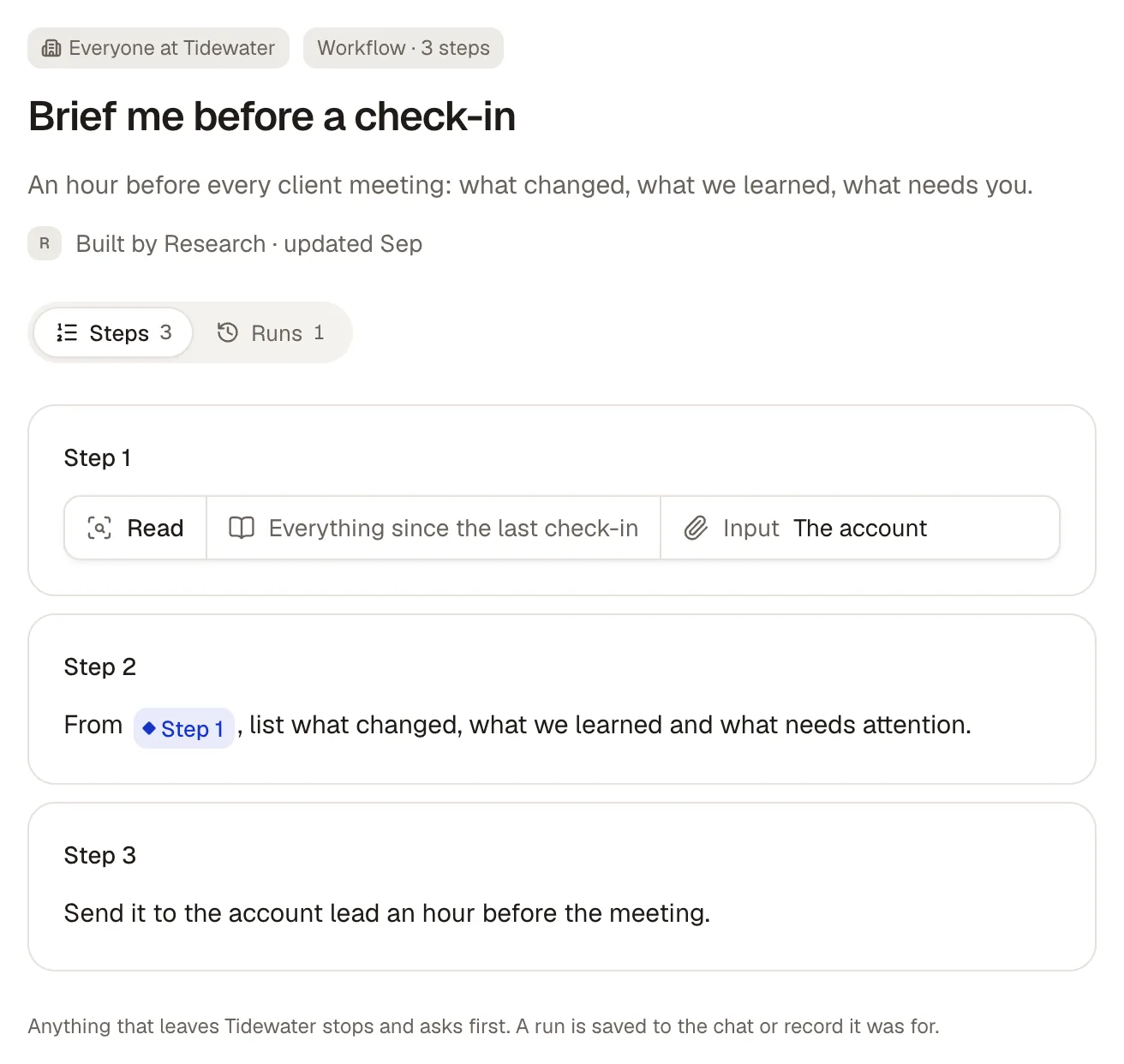
A workflow is a short list of plain steps in your Library, each done by a crew member, with one trigger that starts it: “Brief me before a check-in,” run an hour before every client meeting. You rarely write one from scratch. Cruma notices when the same work is done again and offers to save it.
Teach a workflow
Section titled “Teach a workflow”Choose Teach a workflow from the New menu, the Library, or a crew member’s page. There are three ways in:
- From a chat: Cruma turns what it just did into steps. After it helps with something that repeats, it asks in the chat, like “Do this every time a spec list has open items?”, with Save as workflow.
- Describe it: say how you do it, in your own words.
- From an example: point at a past record, file or email, and Cruma works out the steps.
Cruma also offers one when it notices a pattern: “You’ve chased an engineer for missing specs 3 times this month, the same way each time.”
It asks you one question, such as who checks an email before it goes out:
- Me, every time: always asks first
- Me, the first few times: then it sends on its own
- It sends straight away
Review it
Section titled “Review it”Cruma shows the draft: “Change anything, then try it on a real job before it’s on.”
- Workflow name
- When it runs: when Cruma notices it on its own, when an email arrives, on a schedule like “Every Monday at 8:00”, or only when you start it
- Steps: each in plain words, with who does it and Ask me first. A step can use an earlier step’s result, like “From Step 1, list what changed.”
Try it, then turn it on
Section titled “Try it, then turn it on”Under Try it first, run it on a real piece of work. Nothing is sent during a try. When it looks right, choose Turn it on, and it joins the Library.
Any step that sends something outside your company asks first by default, and its first runs always ask.
A workflow’s Runs tab lists each run, newest first: the work it was for, what started it, the result, and whether it’s running, waiting for you, stopped or finished. Run workflow starts one by hand.
If a run goes wrong, it stops and says where, and Cruma offers a fix to the workflow for you to accept or dismiss.